Personalize your HallMonitor Experience

Select the patient statuses that matter to your care teams, tell us about your setup, and we'll handle the rest.

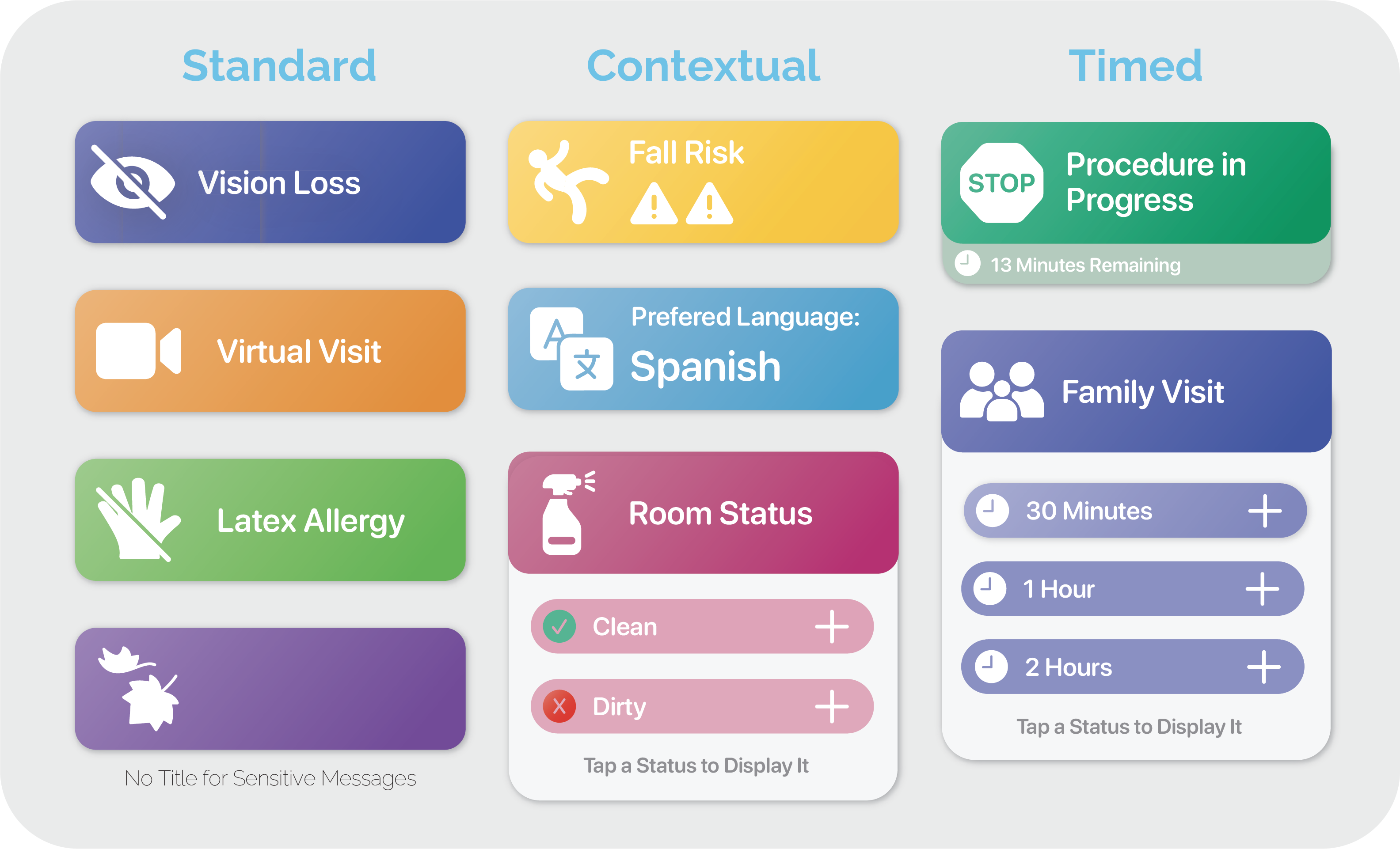
Patient Precaution signage example

What you see above is what your staff will actually see outside patient rooms.

Every icon, color, and layout is custom-designed to match your facility's existing signage standards so there's zero learning curve for your care teams.

Below, select the statuses your facility needs.

Don't worry about how they look right now. Once we know which statuses matter to you, we'll design your exact signage package to match your protocols and workflows.

Final displayed tiles subject to EMR availability. Statuses which can not be automatically displayed via the EMR can be manually added by staff on the device with pin code or staff badge authentication.

Patient Safety & Fall Risk Select All Clear

Clinical Monitoring Select All Clear

Bed & Room Status Select All Clear

Dietary & Orders Select All Clear

OB / Maternal Select All Clear

Communication & Status Select All Clear

Customize Your Own Patient Status

Design a custom tile: type a name, pick a color, and choose an icon. Click Save to add it to your selections.
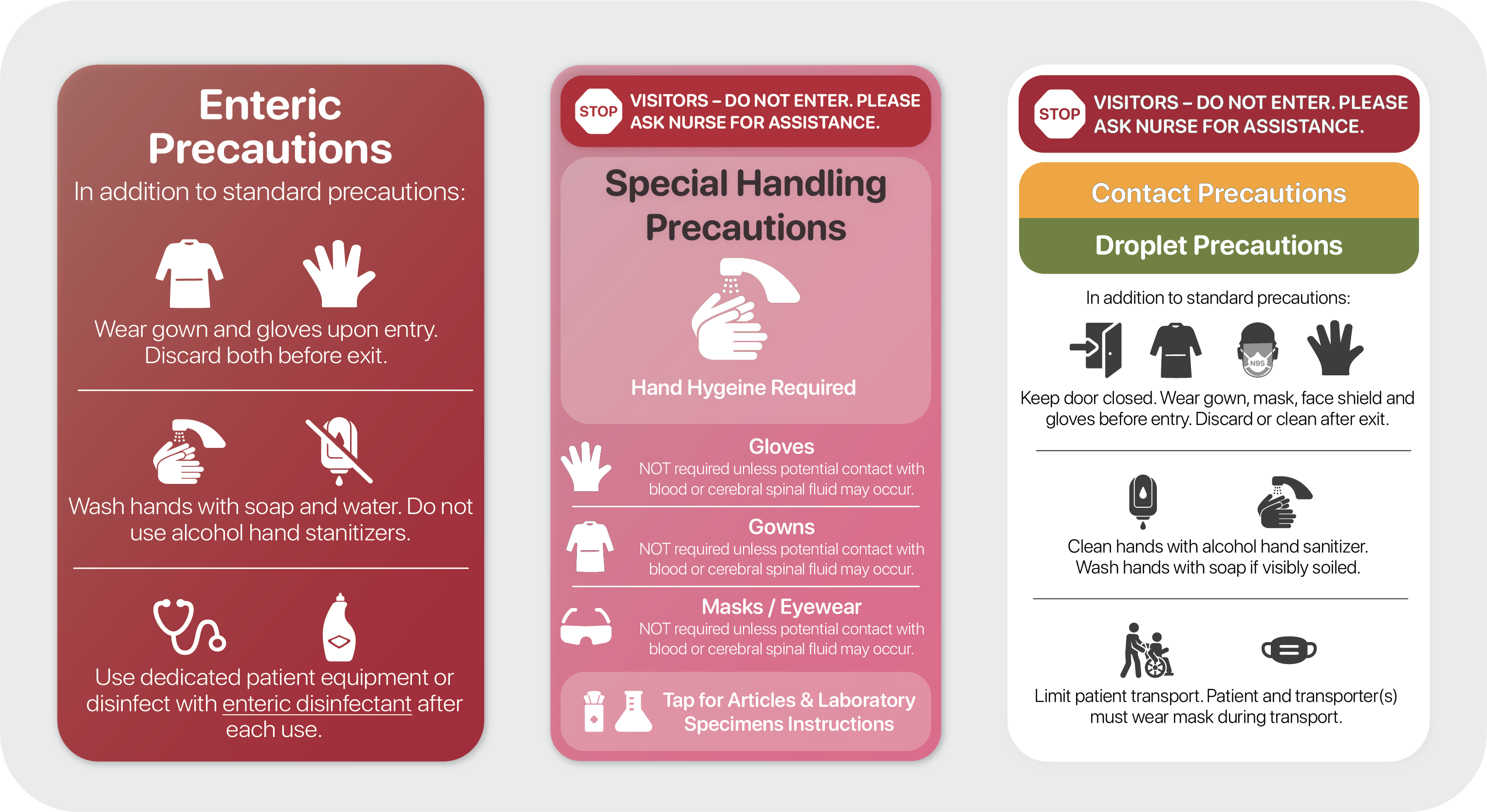
Isolation signage example

What you see above is what your staff will actually see outside patient rooms.

Every icon, color, and layout is custom-designed to match your facility's existing signage standards so there's zero learning curve for your care teams.

Below, select the statuses your facility needs.

Don't worry about how they look right now. Once we know which statuses matter to you, we'll design your exact signage package to match your protocols and workflows.

Final displayed tiles subject to EMR availability. Statuses which can not be automatically displayed via the EMR can be manually added by staff on the device with pin code or staff badge authentication.

Isolation Precautions Select All Clear

Customize Your Own Isolation Status

Design a custom isolation tile: type a name, pick a color, and choose an icon. Click Save to add it to your selections.

Your Selections (0)
Click tiles to add them here

Your Information

Please provide your details to download your tile selections as a PDF.

Your Configuration Link

Bookmark this link or save it to reload your exact tile selections anytime.

This link is also embedded in your PDF as a clickable "Edit your selections" link.

Choose an Icon